Top 7 Forever Free Project Management Tools

Alyssa Briones
16 March 2026 05:00 PM


These forever-free project management platforms make it possible to organize work. Pick one that best matches your workflow.
Not all teams need a massive enterprise platform. Most of the time, they just need a reliable place to track tasks, organize work, and keep projects moving without worrying about hitting a limit every other week.
Fortunately, a handful of platforms still offer generous forever-free plans that work well for individuals, startups, and small teams.
In this list, we’re focusing on them: credible project management tools with permanent free plans that people actually use in production. No open-source setups, short trials, or misleading advertisements. And that’s what makes them worth taking a closer look at.
Upprovall
Upprovall is a simple yet powerful project management platform that proudly presents itself as a tool fit for all generations of workers. Its flexible workflow setup makes it suitable for projects with review cycles; a place to track tasks and collaborate without switching between multiple tools.
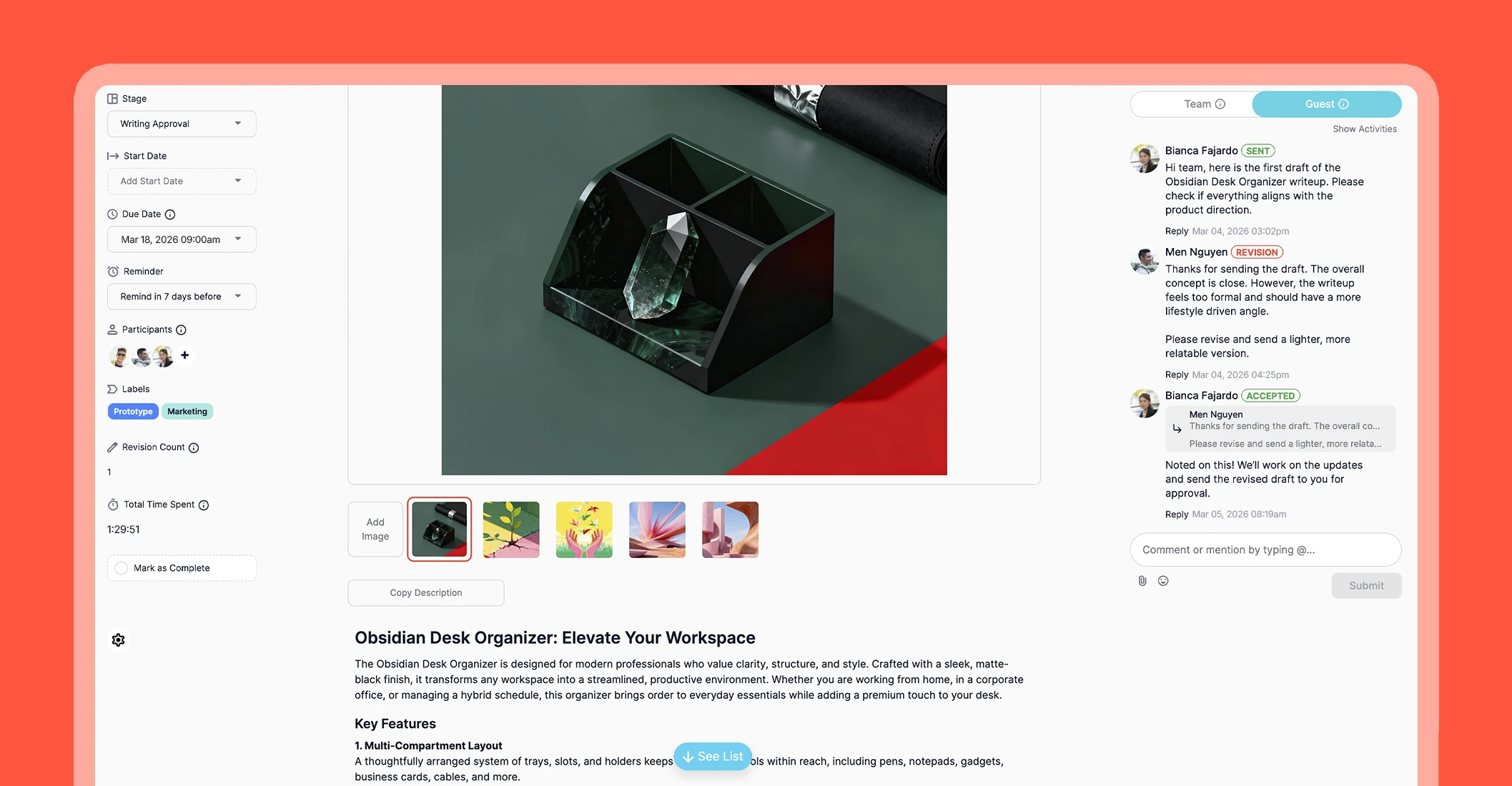
Forever Free Features:
- Multiple Views - Work in your preferred style: List, Kanban, or Calendar.
- Card - A containment of subtasks, attachments, due dates, and inline comments for a centralized information.
- Comments - Keep team and guest comments in one place with view controls.
- Guest Access - Clients or external contributors can join specific projects with restricted permissions.
- Approval - Direct approved or rejected feedback.
- Time Tracking - Tasks can have time logged directly.
- Revision Count - Monitor progress during review cycles.
The platform emphasizes simplicity and clarity, making it a good starting point for users new to project management software. It is suitable for users who are just starting to formalize their workflows and want a straightforward way to manage projects. Create your account here.
ClickUp
ClickUp is a comprehensive project management platform that offers a scalable solution for teams of all sizes. It’s fit for teams and freelancers who need a versatile system capable of handling multiple projects and different types of workflows.
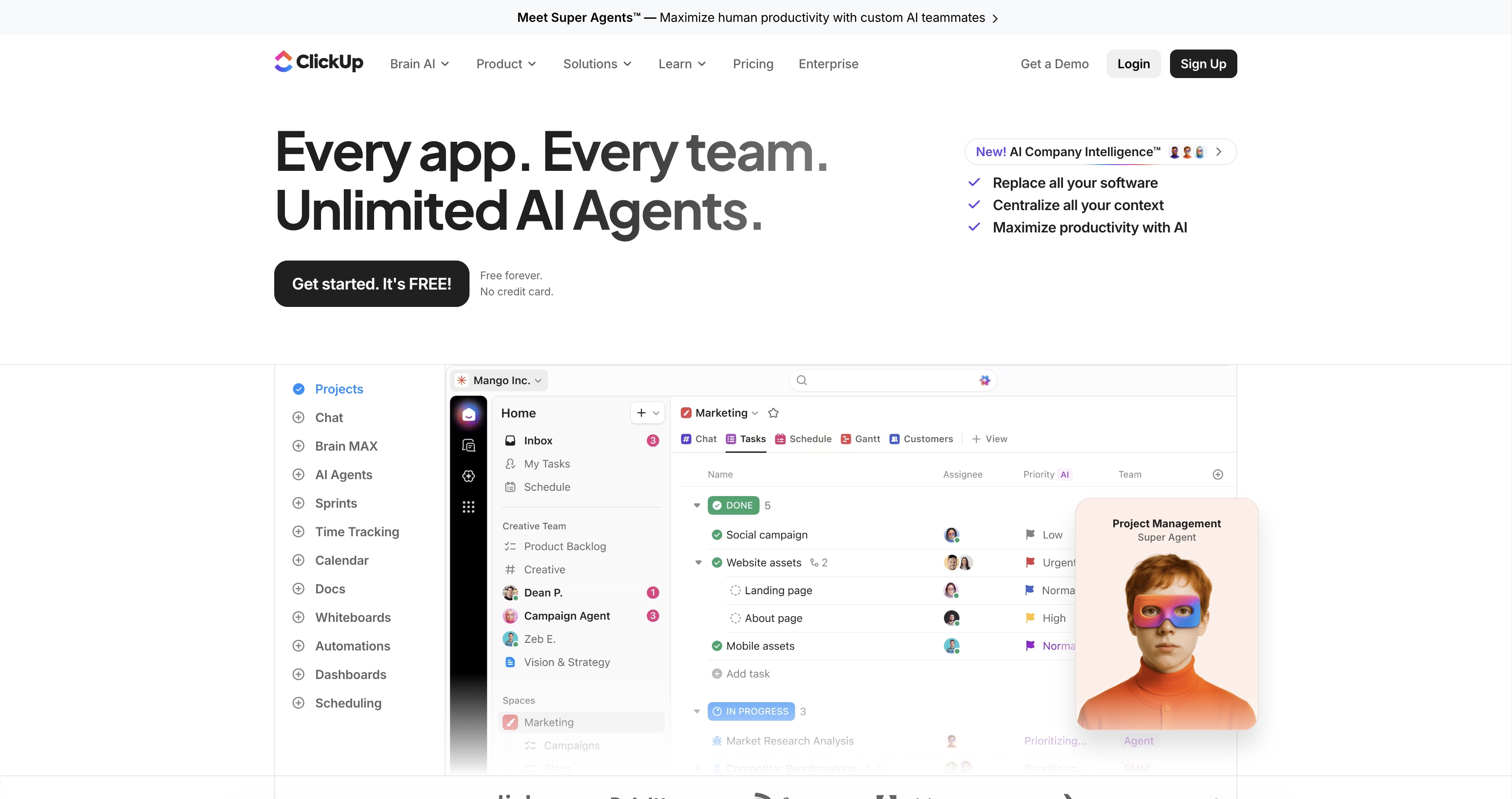
Forever Free Features:
- Task Management - Create tasks, subtasks, priorities, and due dates to organize project work effectively.
- Collaboration - Comment on tasks, assign work, tag team members, and attach files for coordinated teamwork.
- Docs & Notes - Create shared documents, wikis, or notes directly inside ClickUp.
- Goals & Milestones - Set and track project progress.
- Time Tracking - Log time spent on tasks manually or using the built-in timer.
- Cross-Device Access - Access the platform via web, desktop, or mobile.
ClickUp’s popularity comes from its ability to combine multiple project management functions into one platform.
Notion
Notion is a flexible workspace that combines note-taking, databases, and task management in one platform. It works well for users who want to organize projects while also keeping reference materials, guides, or documentation in the same place. Its flexibility makes it easy to adapt to almost any workflow.
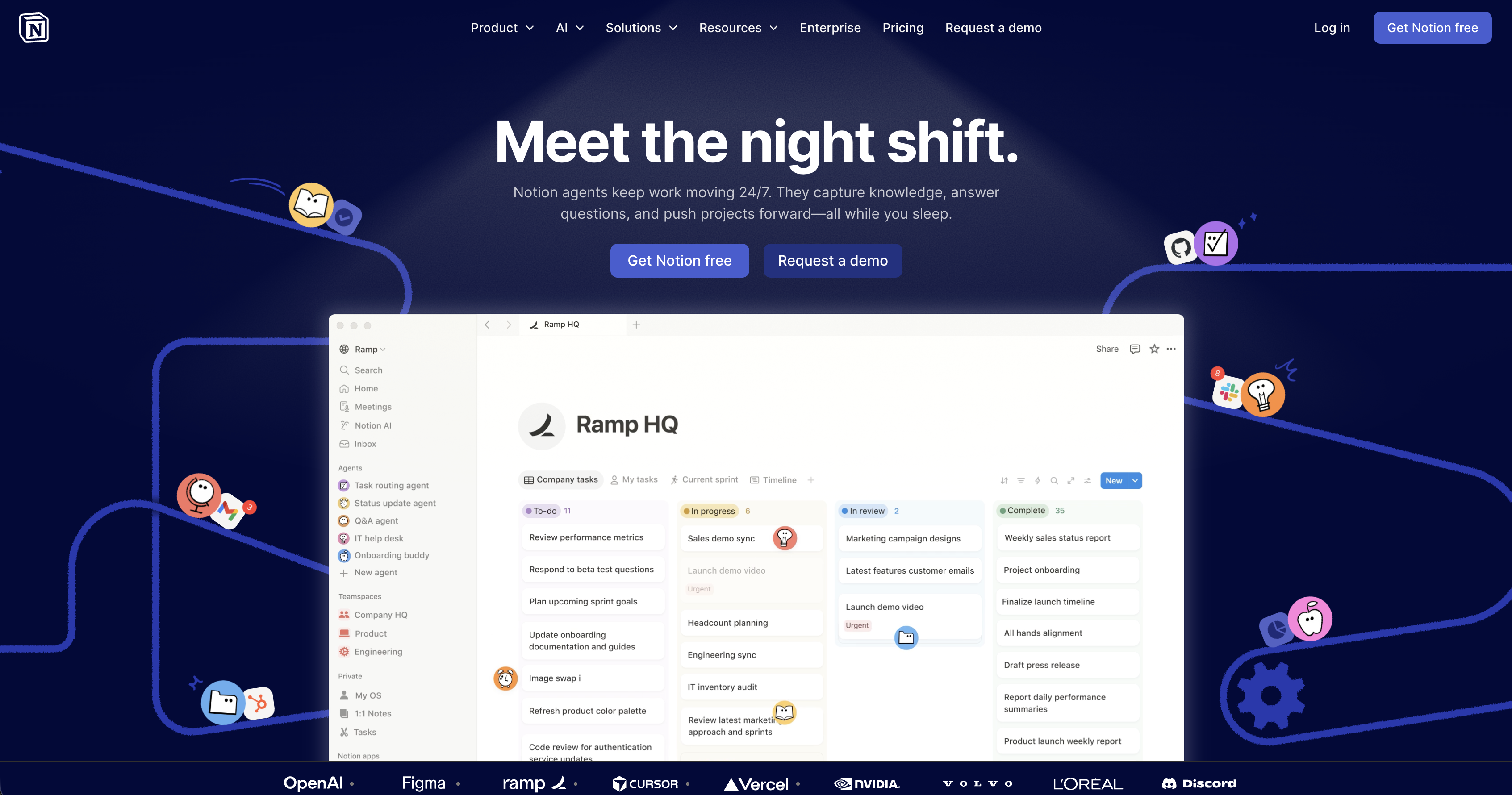
Forever Free Features:
- Unlimited Pages and Blocks - Create as many as you need.
- Task Management - Create tasks with due dates, reminders, and subtasks for project tracking.
- Multiple Views - Switch between List, Board, Calendar, Table, or Timeline views.
- Collaboration - Share pages, comment, and edit in real-time with team members.
- Templates - Use pre-built templates to get started quickly.
- File Attachments - Upload documents, images, or files directly to pages.
- Cross-Platform Access - Work on web, desktop, or mobile.
Notion is particularly useful for teams or individuals who want a combined workspace for both documentation and project management. Users can also experiment creatively with layouts, databases, and content organization. Its free plan provides enough flexibility to set up a personalized workflow depending on a user’s preference or needs.
Wrike
Wrike is a project management platform aimed at individuals and small teams who want a structured way to organize tasks and projects. It’s essential for task tracking and collaboration.
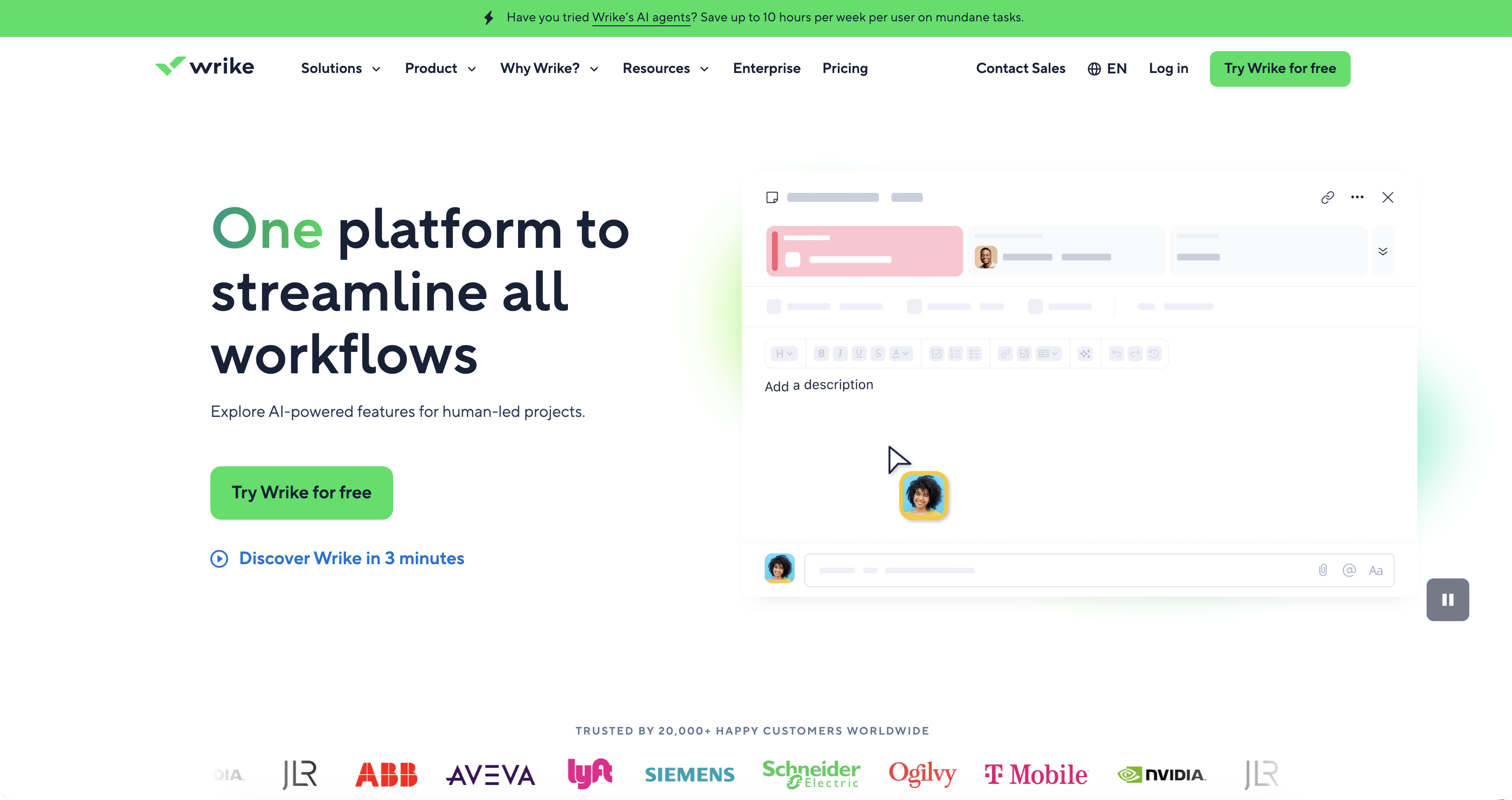
Forever Free Features:
- Project & Task Organization - Group tasks in projects and folders.
- Comments & Mentions - Discuss tasks and tag collaborators.
- Email Integration - Create or update tasks via email.
- Activity Stream - See recent updates in real time.
Wrike’s free plan is ideal for scalable project planning. Its free plan supports structured project workflows that can expand as needed.
Freedcamp
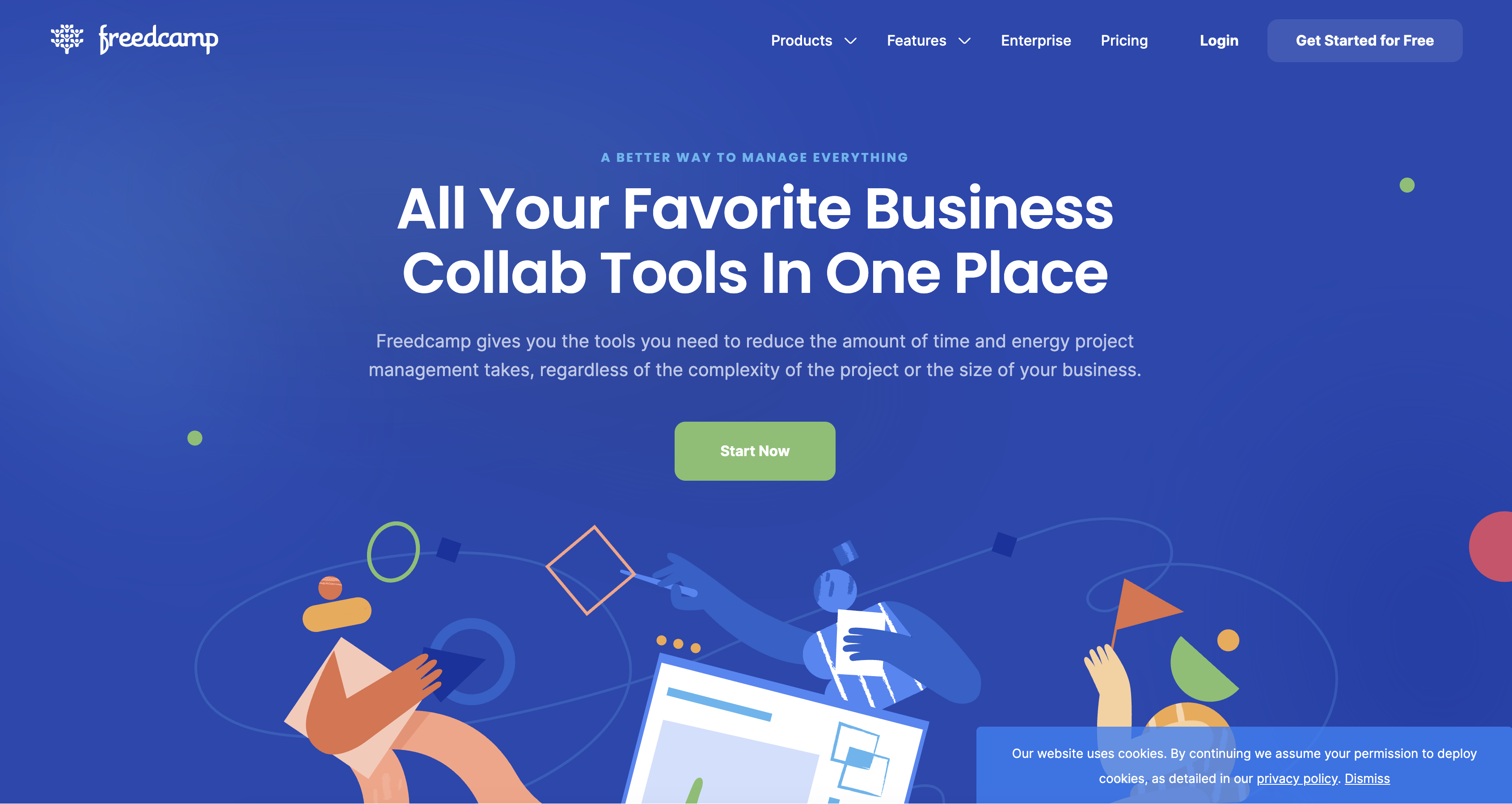
Freedcamp is a cloud‑based project management platform that gives users a wide range of tools to plan and track work in one place. It stands out for its unlimited projects, tasks, users, and storage, which can be especially helpful for teams that want to organize multiple initiatives without worrying about limits.
Forever Free Features:
- Unlimited Projects & Tasks - Create and manage as many projects as needed.
- Unlimited Users & Storage - Supports teams of any size.
- Discussions - Communicate within project-specific threads.
- Time Tracking - Log hours and monitor work effort.
- Templates - Reuse customizable templates.
Because these capabilities are accessible at no cost, Freedcamp can serve as a foundation for teams looking to scale their project planning from simple to more structured workflows over time.
Nifty
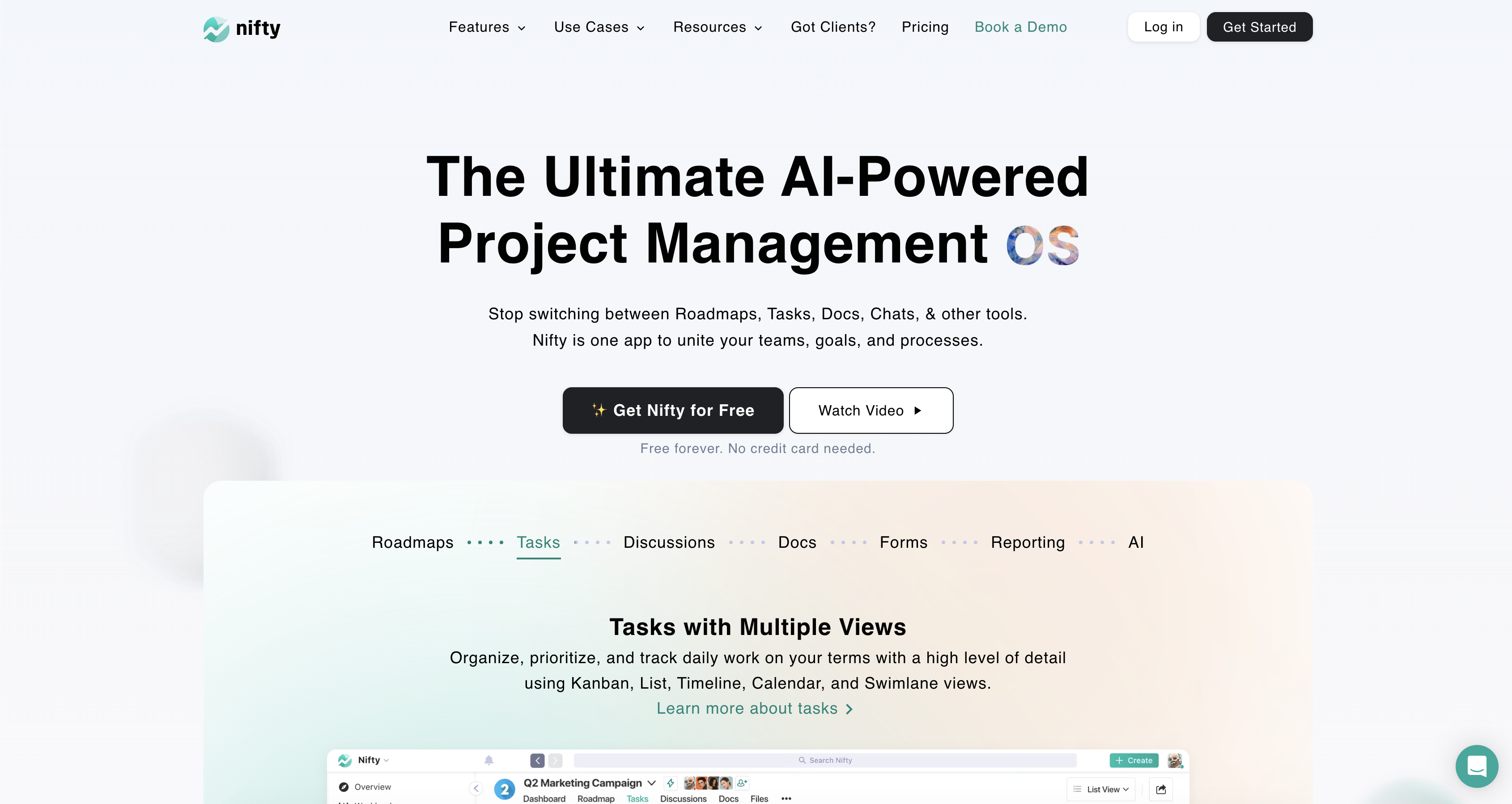
Nifty is an all‑in‑one project and team management platform that lets users coordinate tasks, milestones, discussions, docs, and chats in a shared workspace. On its free plan, Nifty provides the ability to organize work across a limited number of active projects (usually up to two).
Forever Free Features:
- Tasks - Assign and track tasks across projects.
- Team Chat - Collaborate directly within projects.
- Portfolios - Group multiple projects for an overview.
- Recurring Tasks - Automate repeated work.
- Task Dependencies - Manage linked tasks and workflow order.
- Basic Security & Support - Includes two-factor authentication and self-help resources.
Although storage space and active project counts are modest, the free tier gives teams a cohesive workspace to coordinate tasks, outline key deliverables, and collaborate.
Hive
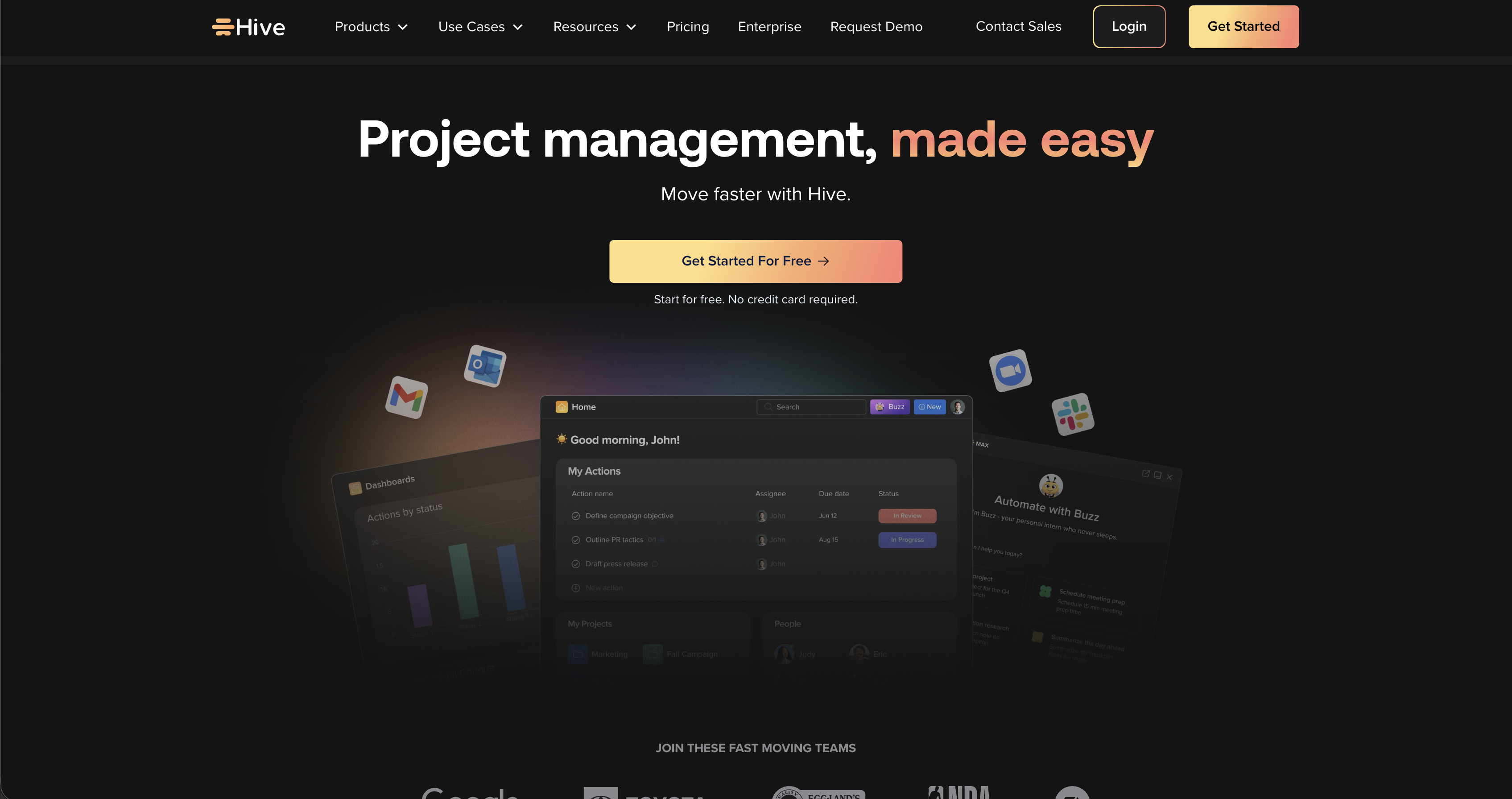
Hive provides a single workspace that covers project planning and communication for small teams, startups, and solo users.
Forever Free Features:
- Unlimited Tasks - Track as many tasks as needed.
- Up to 10 Workspace Members - Collaborate with a small team.
- Collaborative Notes - Create and edit documents with teammates.
- Email & Chat Integration - Keep communication tied to tasks.
Even with storage and member limits, the combination of unlimited tasks and collaborative notes provides a foundation for organizing projects.
Conclusion
Project management doesn’t always require expensive software. The advantage of forever-free plans is that they allow you to explore and test what works best for your needs without the pressure of paying for subscriptions.
The best way to decide which fits your team is simple: try one and see how it holds up.