7 Best Approval Project Management Platform

16 February 2026 05:00 PM


Discover the top approval-focused project management platforms that provide clarity, efficiency, and actionable insights for modern teams.
You probably didn’t wake up wanting to research project management software. Yet you’re here because your current setup isn’t keeping up with how your team works. Maybe it’s too complicated. Maybe it’s too basic. Either way, it’s costing too much time.
We’ve ranked the best approval-focused project management platforms based on what matters when teams are trying to move faster: simplicity, ease of use, and functional capability. Instead of feature overload or surface-level comparisons, the focus is on which tools can realistically improve day-to-day workflows, and which ones are best positioned to support the change you need.
#7 Wrike
Wrike is a comprehensive project management platform built to support structured workflows and detailed approval processes. It’s a powerful choice for teams with multiple stakeholders and formal review cycles. However, if your priority is to get a platform up and running quickly, Wrike may feel heavier than necessary.
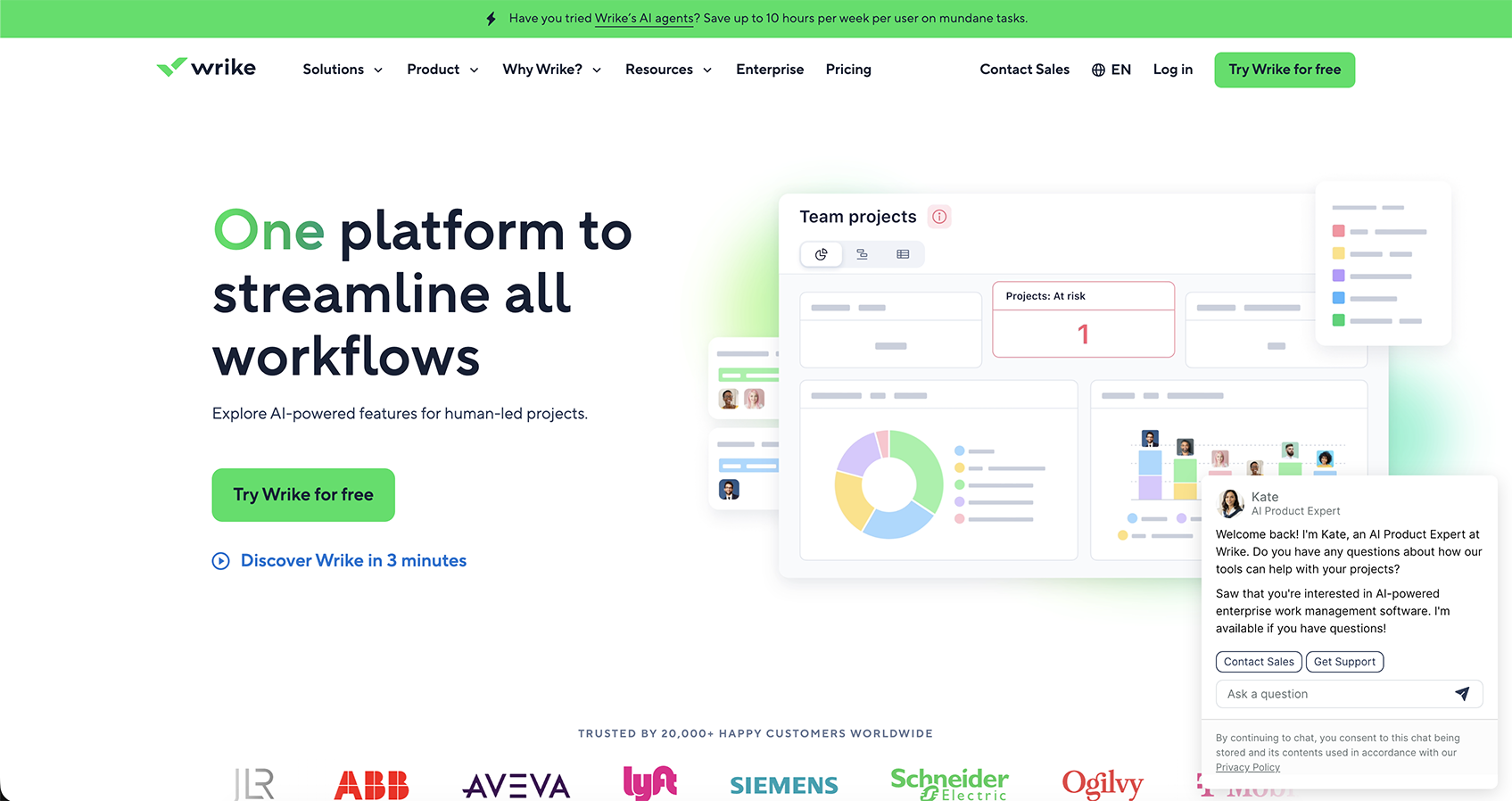
Key Features of Wrike
- Project Resource Planning: Visualize team capacity, allocate resources, and balance workloads across projects.
- Dynamic Request Forms: Standardize intake so requests come in complete and ready for execution.
- AI Assistance: Built‑in AI helps with task suggestions, content insights, and workflow optimizations.
- Automation: Create rules to automatically move tasks through approval stages, send notifications, and trigger status updates without manual intervention.
- Proofing: Annotate files, collect feedback, and route approvals all inside Wrike.
Wrike’s strength lies in how deeply it connects planning, execution, and approvals. Getting the most value out of the platform often requires time, configuration, and process alignment. For organizations with mature workflows, that investment can pay off here.
#6 Smartsheet
Smartsheet is built for teams that think in processes, timelines, and dependencies first. Built around a familiar spreadsheet-style interface, it’s often chosen by teams that want more control and automation than basic task tools offer, without fully moving into heavyweight enterprise software.
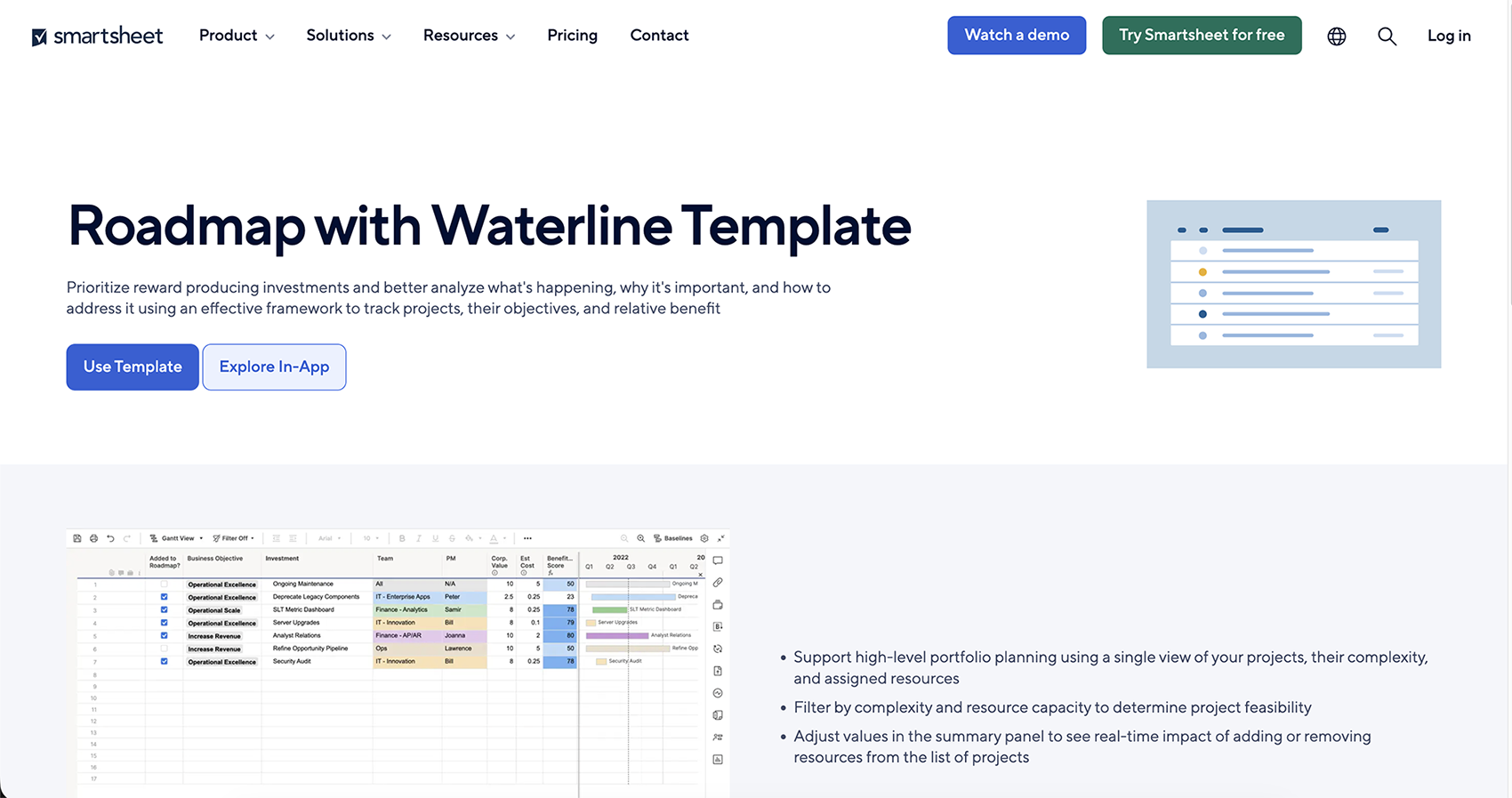
Key Features of Smartsheet
- Digital Asset Management: Consolidates files and assets within projects to streamline review and approval processes.
- Resource Management: Offers clear workload visibility to support informed staffing and scheduling decisions.
- Portfolio Management: Aggregates project data into a centralized view for cross-project tracking and governance.
- No Code Work Apps: Accelerates collaboration by delivering role-based WorkApps views that unify sheets, dashboards, reports, and third-party content for each stakeholder.
Smartsheet leans toward structured project management while remaining accessible to new users. Its depth may exceed the needs of very simple approval use cases, but it provides flexibility for teams managing approvals across larger or evolving projects.
#5 monday.com
monday.com is a powerful Work Operating System (Work OS) designed to help teams manage tasks, projects, and workflows in a unified space. Beyond the basics of task boards and timelines, it brings intelligent features, data performance, and executive visibility together.
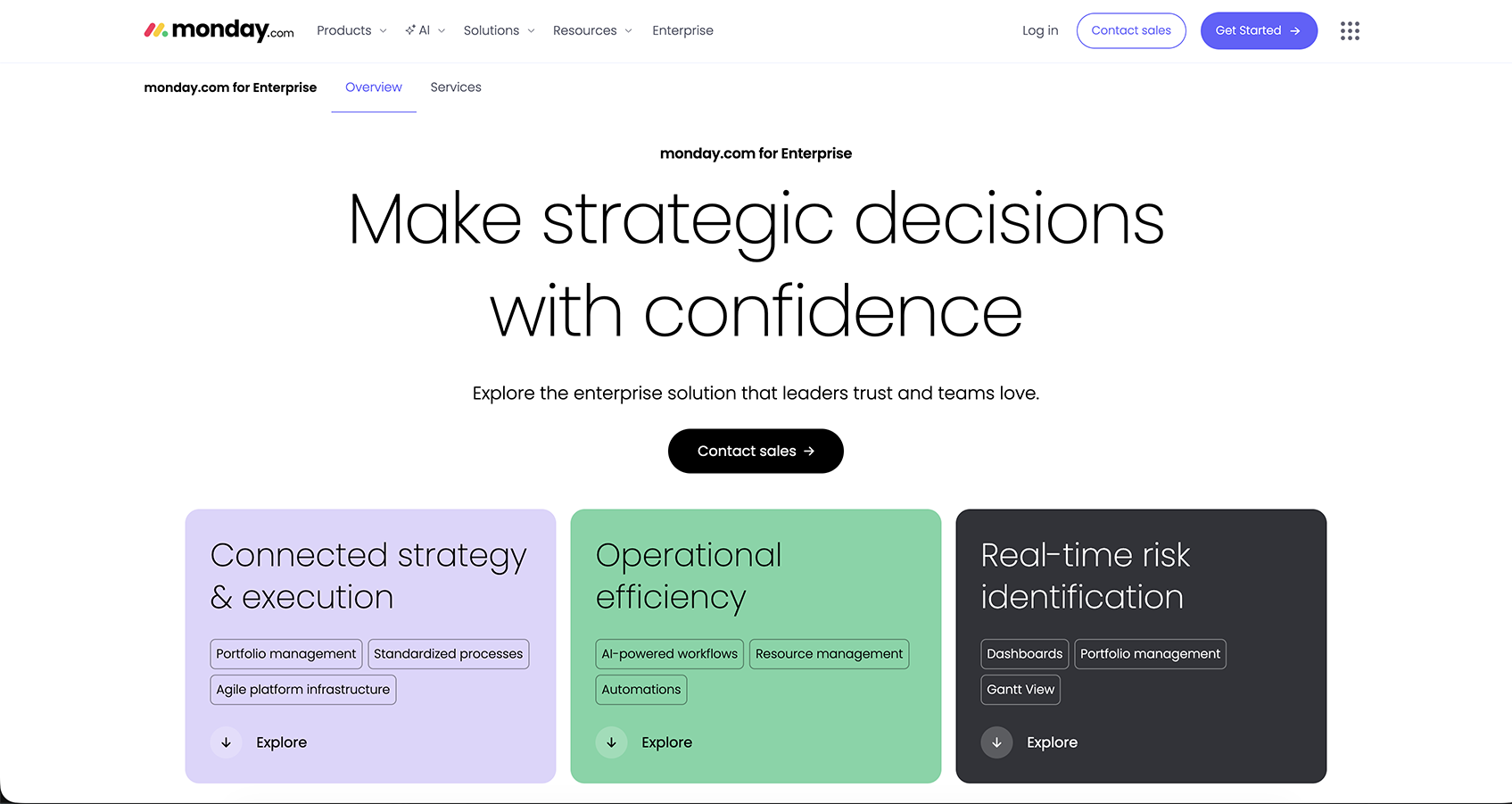
Key Features of monday.com
- AI: Offers smart suggestions, automates routine tasks, and analyzes project data.
- monday MCP: Lets teams use AI assistants to create tasks, summarize boards, and generate reports naturally.
- 360° Executive View: Gives leaders a complete picture of progress, risks, and priorities across all projects.
- mondayDB: Handles large datasets efficiently for faster performance and seamless scaling.
Choose monday.com to streamline work at scale. With AI-driven automation, 360° executive insights, and a high-performance data backbone, it supports structured workflows across departments.
#4 Upprovall
Upprovall is a project management platform focused on streamlining approval processes. It’s easy for everyone, no matter their experience level. There’s no need for training or complicated setups, and teams can collaborate seamlessly without juggling multiple apps.
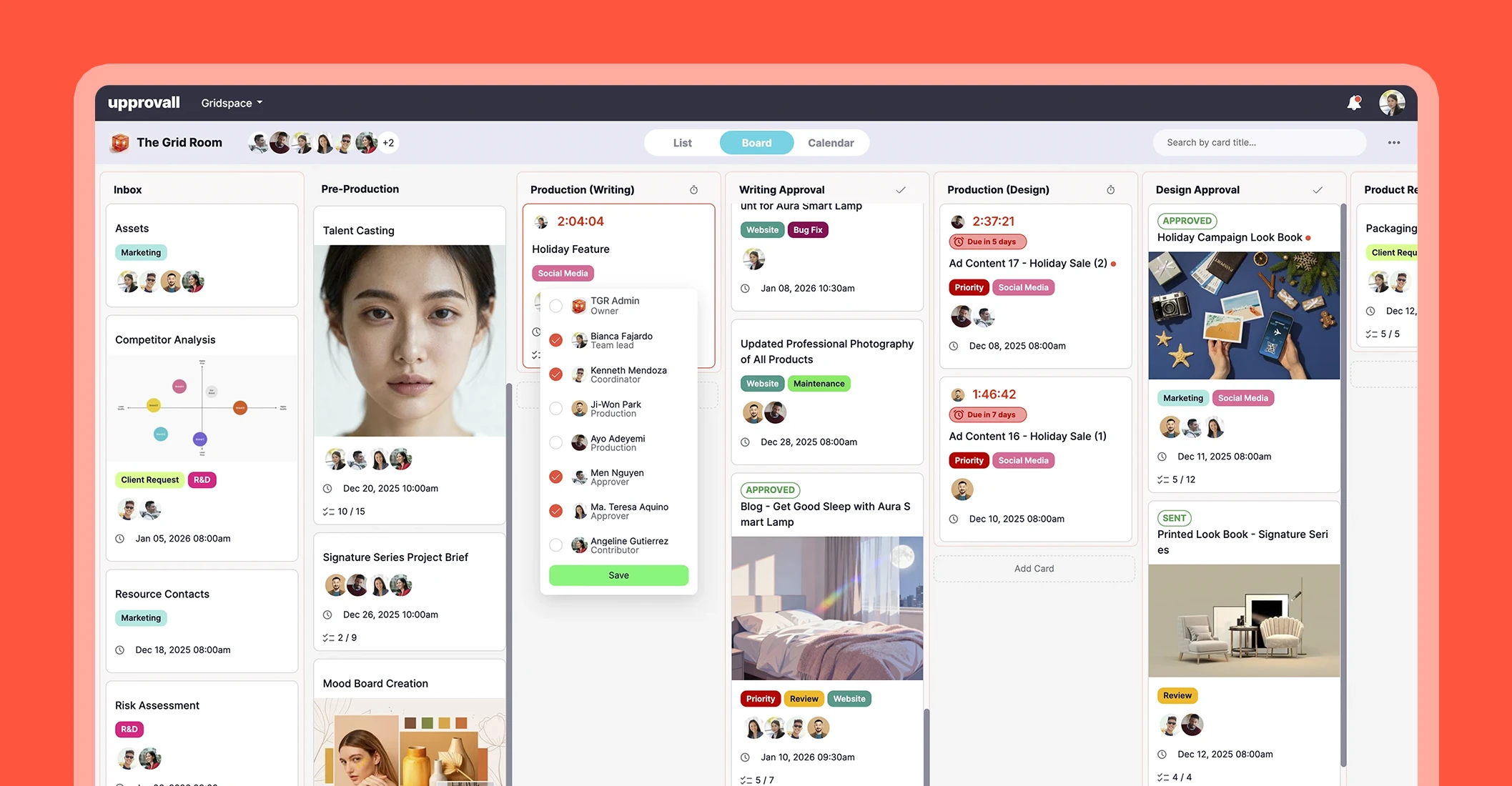
Key Features of Upprovall
- Views: Flexible List, Board, or Calendar layouts to suit different workflows.
- Cards: Contains all task details, files, and comments in one place.
- Comments: Share context-specific feedback within the team and guests.
- Approvals: Streamline decision-making with one-click approve, reject, or request revisions.
Upprovall is ideal for teams and agencies that want fast, simple, and secure approval workflows. This all-in-one platform also offers no tiered packages for trials. Instead, you can create an account free forever! Try here.
#3 Asana
Asana is suitable for teams that require organized, data-informed project management. Its AI, tracking, and customization features support efficient approvals and task management.
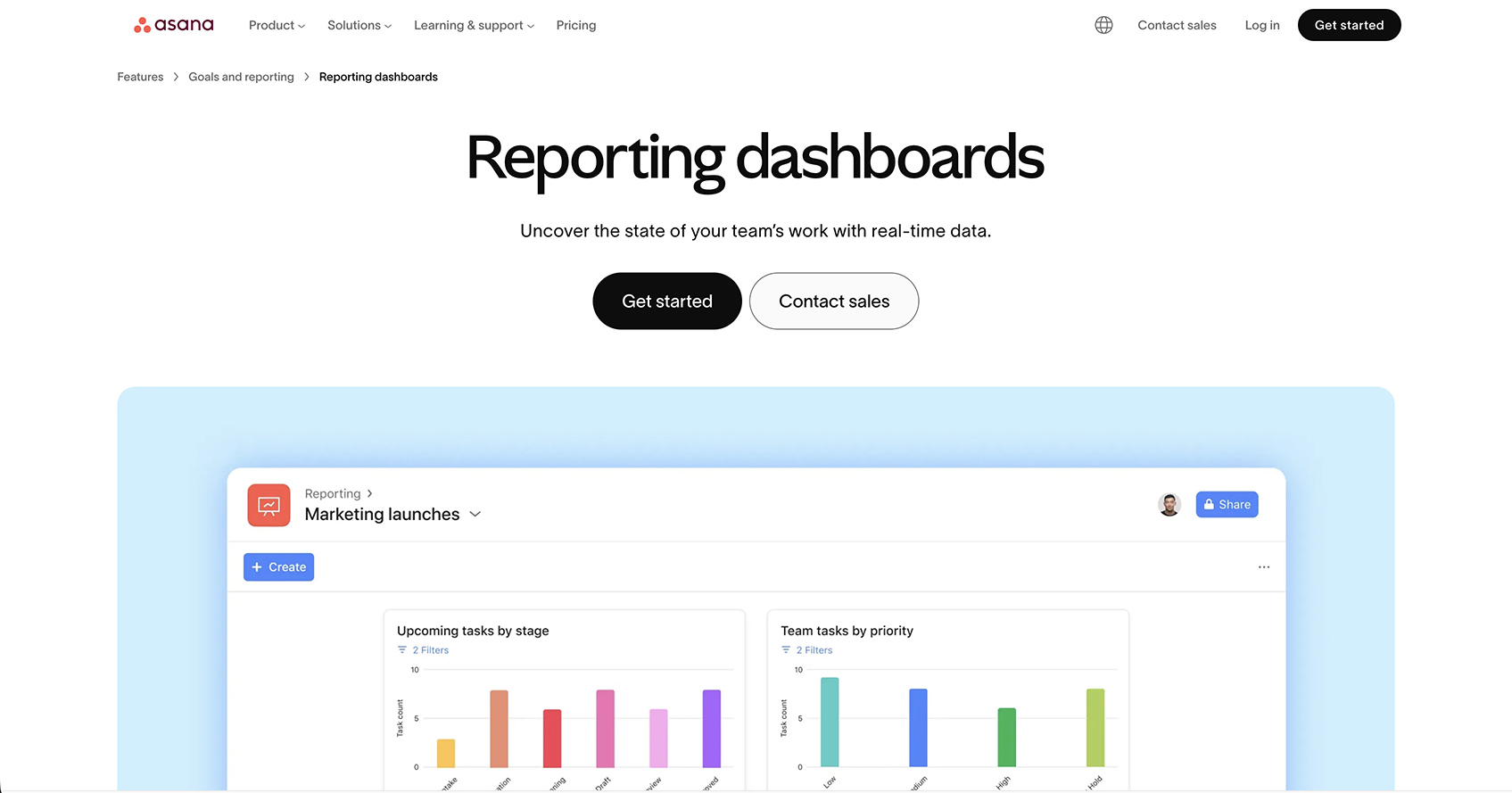
Key Features of Asana
- AI: Provides smart suggestions and automates routine project tasks.
- Status Updates: Keep everyone informed with real-time project progress.
- Time Tracking: Monitor tasks and deadlines easily.
- Custom Fields: Capture project-specific details for better organization and insight.
If your team wants a tool that keeps projects on track without the hassle, Asana delivers.
#2 Trello
Trello is a visual project management platform that organizes work into boards, lists, and cards. Beyond its intuitive design, Trello offers automation tools (via Butler) and a wide range of integrations, so teams can streamline repetitive tasks and connect with the apps they already use.
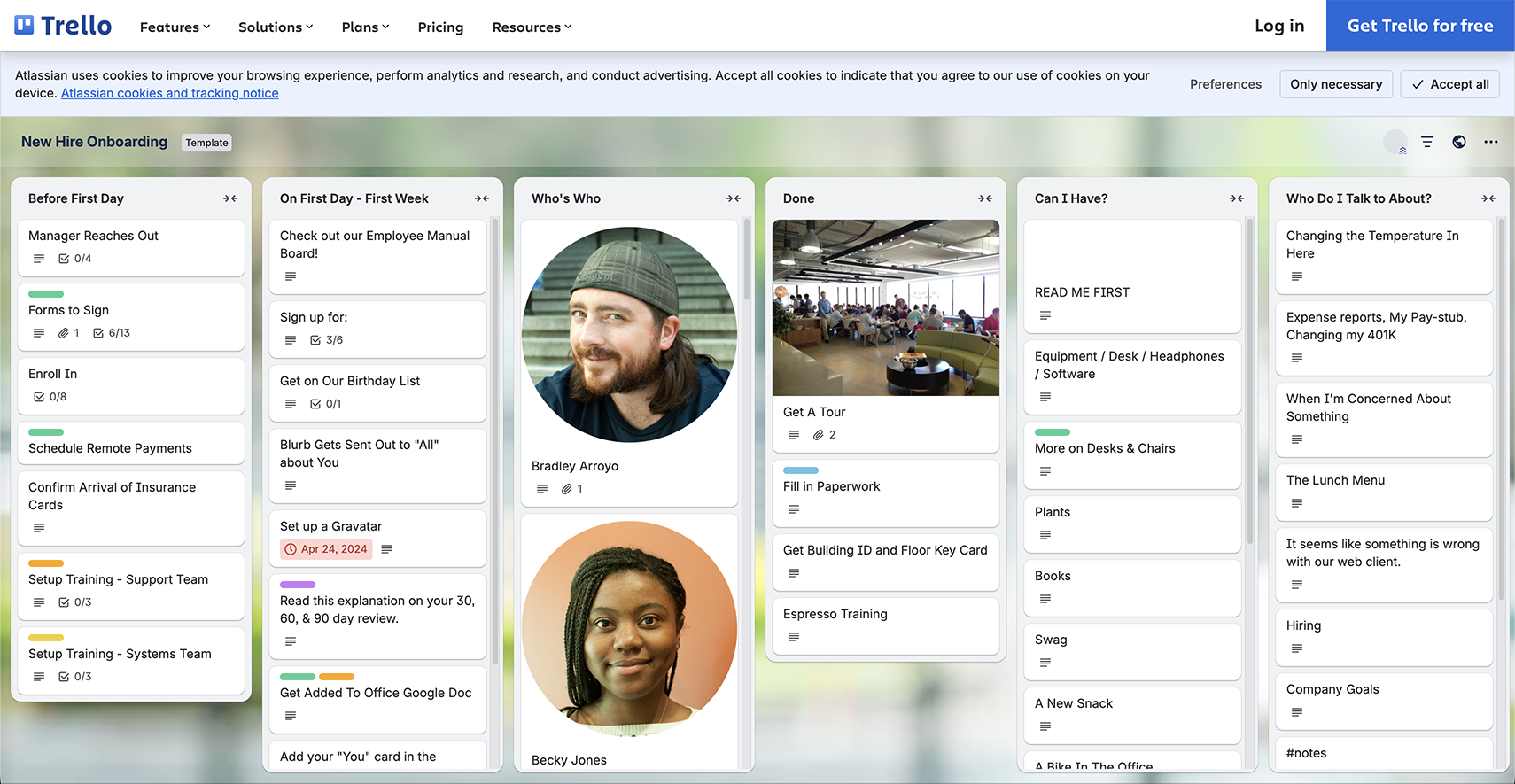
Key Features of Trello
- Inbox: Keeps all your thoughts, notes, and messages in one place.
- Power-Ups: Extend capabilities by connecting through plugins.
- Planner: Syncs calendar to boost productivity.
- Templates: Prebuilt boards help teams launch workflows quickly and consistently.
Trello is ideal for small teams that want fast adoption, clear visibility, and lightweight approvals. However, organizations with layered approval chains or portfolio-level oversight may find it somewhat limited over time.
#1 ClickUp
ClickUp is an all-in-one work platform that helps teams organize projects, streamline approvals, and stay aligned on objectives. With tools that support planning, collaboration, and monitoring, teams can track progress efficiently while keeping stakeholders automatically informed.
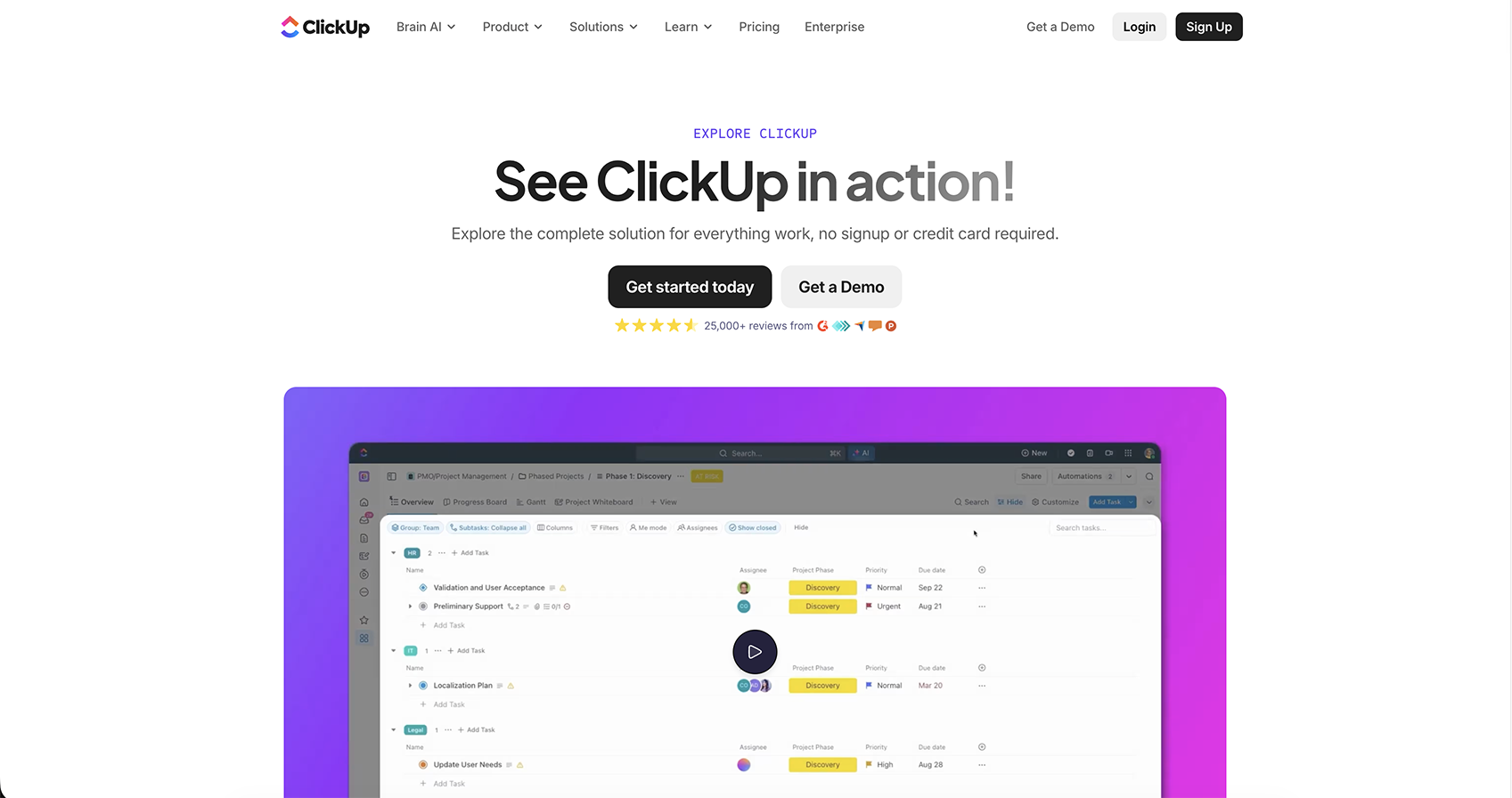
Key Features of ClickUp
- Mind Maps: Lay out projects visually to plan tasks and spot dependencies quickly.
- Clips: Embed video updates to communicate complex information better.
- Reporting: Track task performance with detailed analytics.
- Goals: Set, monitor, and achieve measurable team objectives with clear alignment to projects.
ClickUp earns its top spot because it simplifies complex workflows and approval processes while providing actionable insights. Teams can plan, communicate, and measure progress efficiently, making it the most capable solution for driving projects to completion.
Conclusion
At the end of the day, a great approval management system should streamline work, centralize communication, and keep projects on track. We hope this guide has helped you see the possibilities and understand your options for approval-focused project management. In case you still aren’t sure, why not choose something that’s free forever?